


I already have an MX Master 3 and an MX VERTICAL. I mostly use the MX Master 3, so I'm well aware that any product in Logitech's Master series (MX version) is a worthwhile purchase, even if it's expensive. This time, I'm unboxing and taking a closer look at the Logitech MX Anywhere 3, which was featured in an advertisement with Chrissie Chau, figure skater Ma Hiu Ching, and illustrator Wingki Kwok. Seeing all three women using it for work in the ad, it seems to target the female market, right? Maybe not, because upon closer inspection, it has a lot of features, comes in many colors (Pearl White, Graphite, Rose Pink), and is relatively small, making it perfect to carry around for work. Let's not talk anymore and unbox this Logitech MX Anywhere 3 to see what it's all about!

 It uses the newly redesigned MagSpeed electromagnetic scrolling, which provides ample precision.
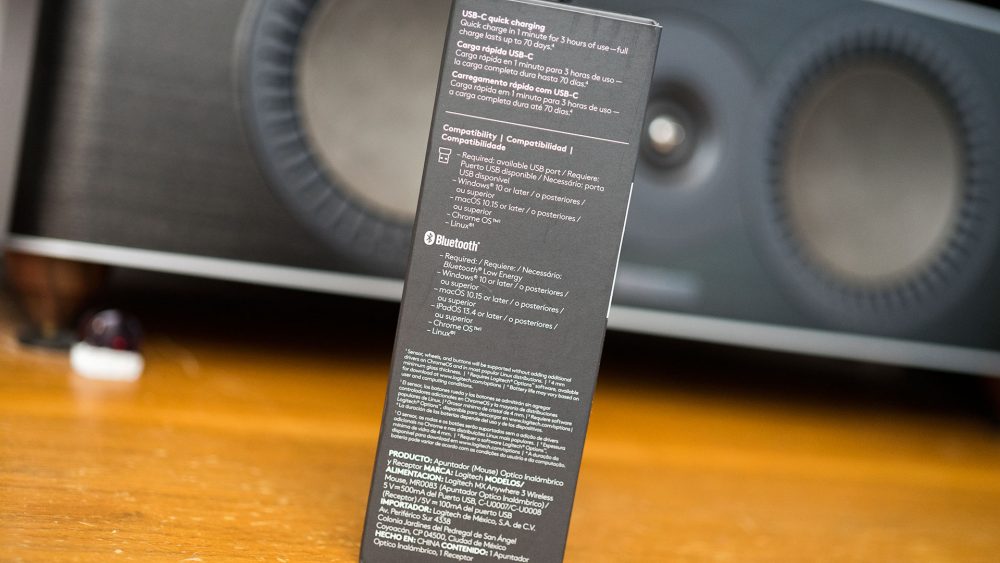 The MX Anywhere 3 also supports multiple operating systems, including Windows and Mac.

 Being part of the MX series, its functions and control are absolutely top-tier for work accessories. It's definitely a case of "you pay more, but you can't go wrong!"
Convenient for on-the-go use, designed to work on any surface!
The MX Anywhere 3 boasts many impressive features, designed for agile and flexible work, from the office to working from home, to working at your favorite coffee shop – it's incredibly lightweight. It features the newly redesigned MagSpeed™ electromagnetic scrolling, offering sufficient precision to stop at the exact pixel-level position you want every time. It's also extremely fast, capable of scrolling 1,000 lines per second, just like the MX Master 3 I usually use. It truly lives up to flagship standards; despite being so much smaller, it incorporates the technology of the MX Master 3. After using it, I can confirm it has the same precision and smoothness as the MX Master 3. Although sometimes it scrolls so fast I don't even know where I've gone, it, like the MX Master 3, offers two different scrolling modes for you to choose from. You won't have trouble getting used to it. I believe it will be a fantastic experience for those who frequently need to scroll a lot. And it's incredibly quiet too! Furthermore, the MX Anywhere 3 can be used on many different surfaces, even glass, which is usually impossible for mice. It truly is the "big boss" of mice!
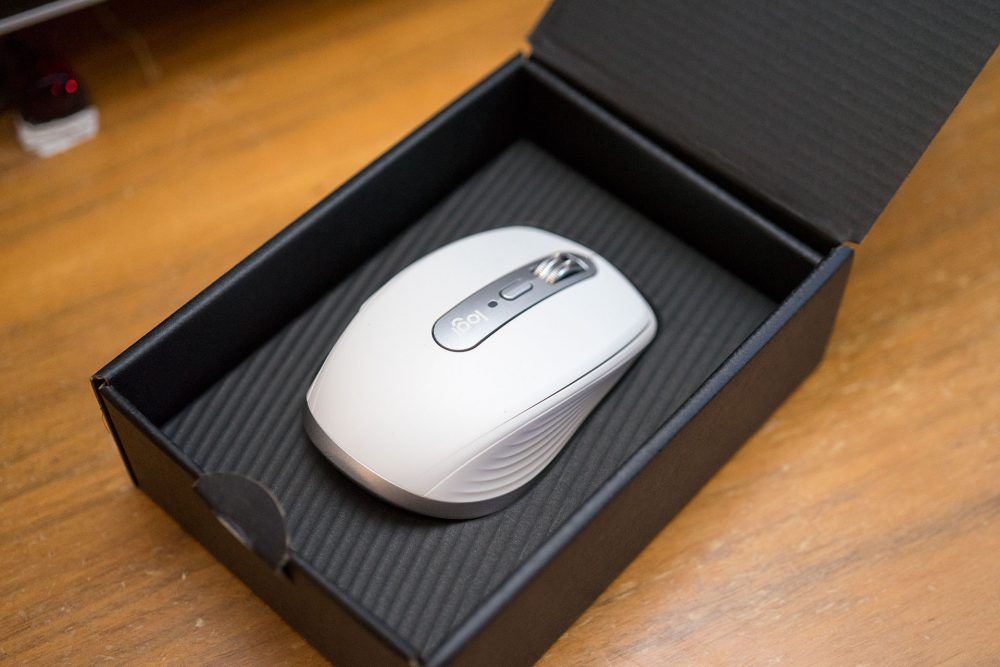
Once unboxed, the white MX Anywhere 3 is truly beautiful and has a very streamlined design!

Unifying allows Logitech users to control multiple products with one dongle, which is extremely useful!
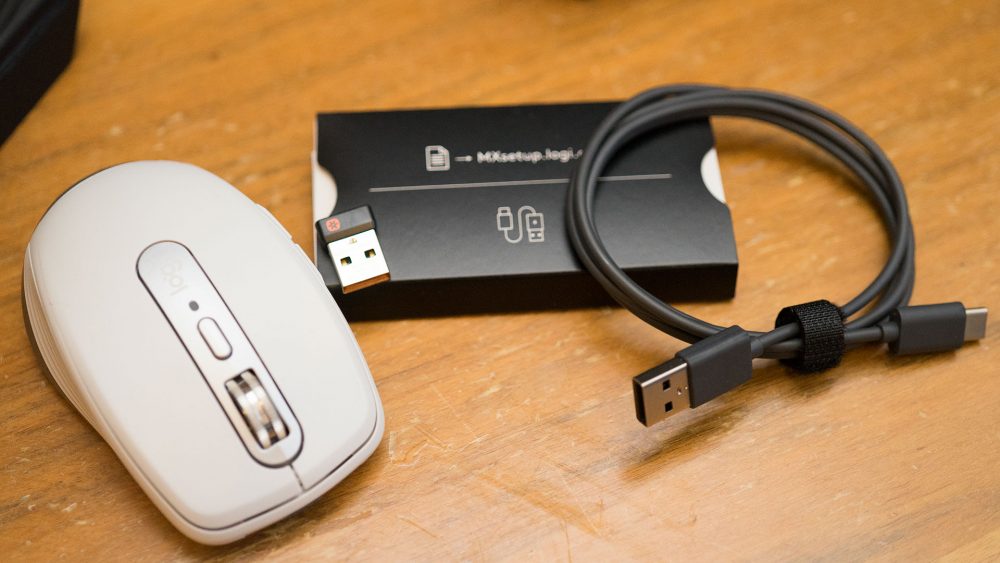
 The MX Anywhere 3's MagSpeed is incredibly fast, scrolling 1,000 lines per second, just like the MX Master 3, but much more lightweight.
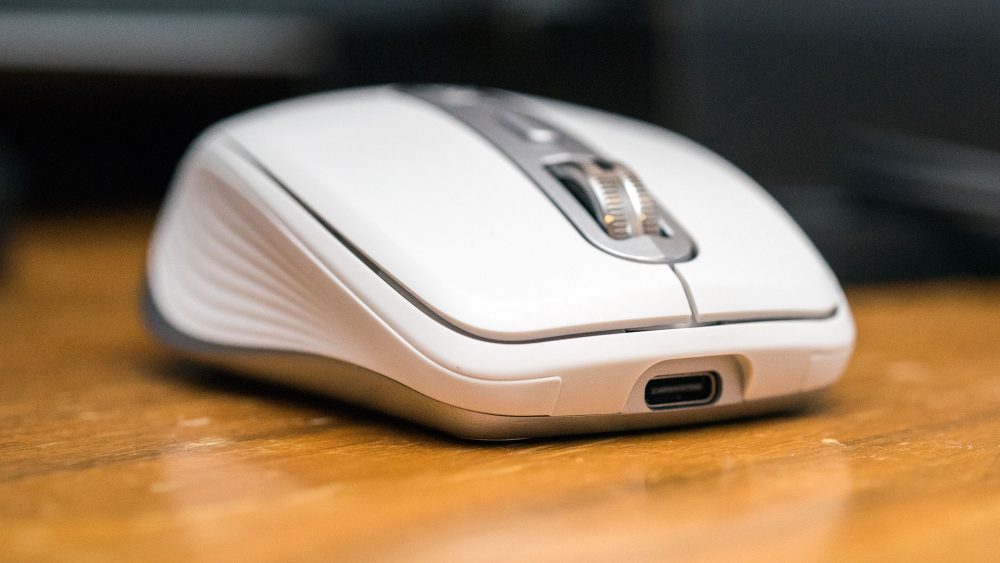 Being part of the MX series, it's definitely rechargeable!
Highly thoughtful customization of functions via the application
For anyone using an MX series mouse, I highly recommend installing the Logitech application to create individual settings for your frequently used tools, making your work more efficient. The MX Anywhere 3 allows you to customize functions for each application you use daily. It supports many applications, such as Adobe Photoshop, Adobe Premiere Pro, Final Cut Pro, Google Chrome, Safari, and of course, Microsoft Word, Excel, and PowerPoint. The MX Anywhere 3 also supports multiple operating systems, working seamlessly with Windows and Mac. Basically, all buttons you see can be customized.



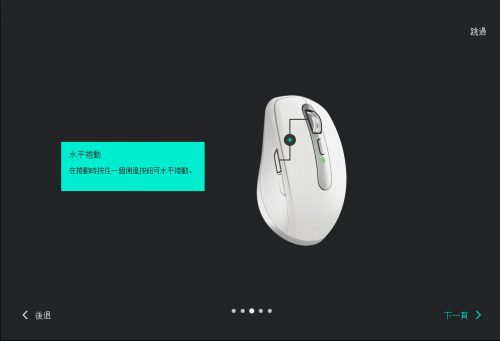
 Besides different functions for different buttons, you can also set different usages for different programs. You probably won't even use all its features!
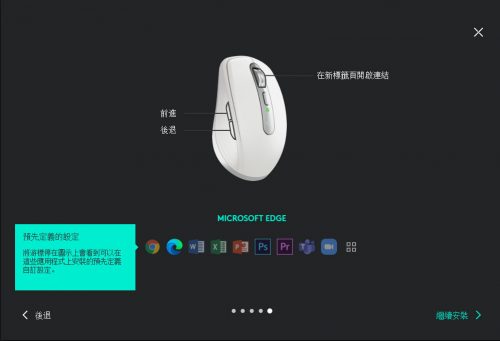

 These detailed settings are 1000 times better than the one in Windows 10! XDDD
 It's so common for people to use multiple devices these days... it even supports moving your mouse around. I haven't tried it yet, so tell me if it's useful!
Conclusion: "My MX Anywhere 3 has been claimed by my daughter, who's in junior high!!"
After getting used to the fast and precise MX Master 3, I was actually worried that I wouldn't be able to adapt to cheaper mice. However, one great thing about Logitech's mice and keyboards is that even their more entry-level models offer very good responsiveness. But to experience features like the MX series' MagSpeed electromagnetic scroll wheel, you really need to go for the high-end models. And for a long time, even when using an external mouse with a laptop outside, it was difficult to achieve the same feel and effect as working in a studio. Now, this MX Anywhere 3 can satisfy girls with small hands (my MX Anywhere 3 has already been claimed by my junior high daughter!! 🤪), and it also allows friends who often work at Starbucks to work comfortably, even in less ideal environments, no matter the surface. The official price is $799, but I know there might be some cheaper prices out there. If you've bought one, feel free to tell me how much you paid, and we can see who got the better deal! 🤣🤣🤣🤣🤣🤣


